AI Chat
Imaging you copy and paste all your conversation with AI into a note, all question and response, freely edit anything on it, and continue to chat base on that conversation. That's exactly what AI Chat offers.
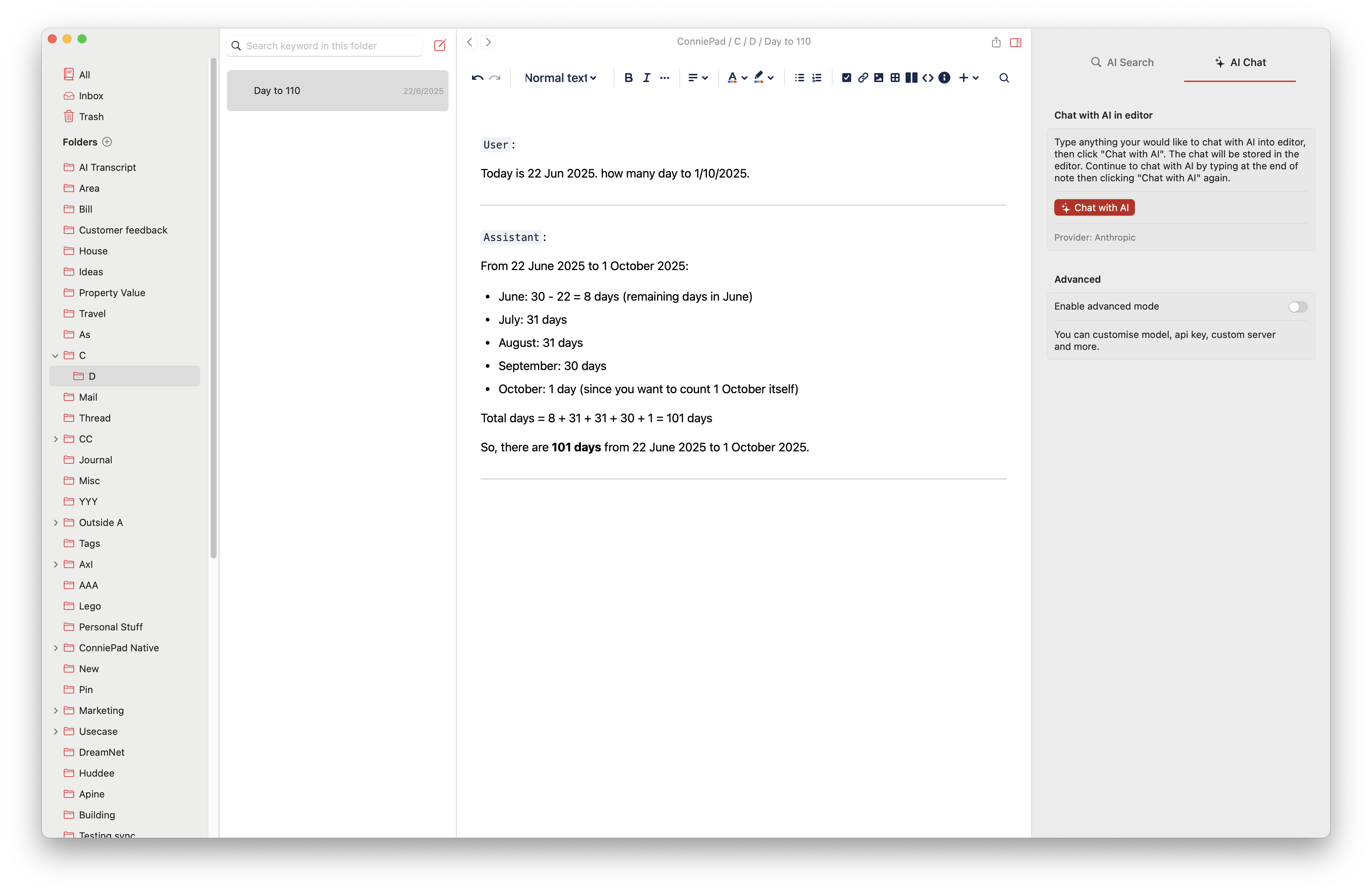
How It Works
When you want to chat with an AI, simply open your note and start typing. Press the "Chat with AI" button, and suddenly, you have a powerful assistant at your fingertips.
What models and providers are supported
- OpenAI
- Anthorpic
- Ollama
Key Features
- Conversation Capture: No more lost conversations or switching between apps.
- Flexible Editing: Want to adjust the AI's response? Simply edit the messages. You can refine prompts, tweak answers, and guide the conversation exactly how you want.
- Multi-Purpose Applications
- Compare responses from different AI models
- Create templates for repetitive tasks
- Maintain conversation context without memory interference
- Generate consistent, reliable outputs
- Get writing assistance (lists, tables, drafts)
Real-World Examples
Writing Project
Imagine you're writing a blog post. You can:
- Ask the AI to brainstorm topics
- Request an outline
- Get help with sentence structure
- Refine your draft collaboratively
Research Assistance
- Quickly generate research questions
- Summarize complex information
- Explore different perspectives on a topic
Professional Tasks
- Draft emails
- Create meeting agendas
- Develop project proposals
- Generate reports
Getting Started
- Open your note
- Type your prompt
- Press "Chat with AI"
- Explore, edit, and refine
No complicated setup. No extra apps. Just pure, flexible AI collaboration.