Bulk import markdown to notes
In order to bulk import markdown files, there are 2 steps:
- Convert all markdown files to ADF format.
- Copy the converted files & folders to the app data folder.
Note: The convert tools will mirror your folder & subfolder structure
1. Convert markdown to ADF
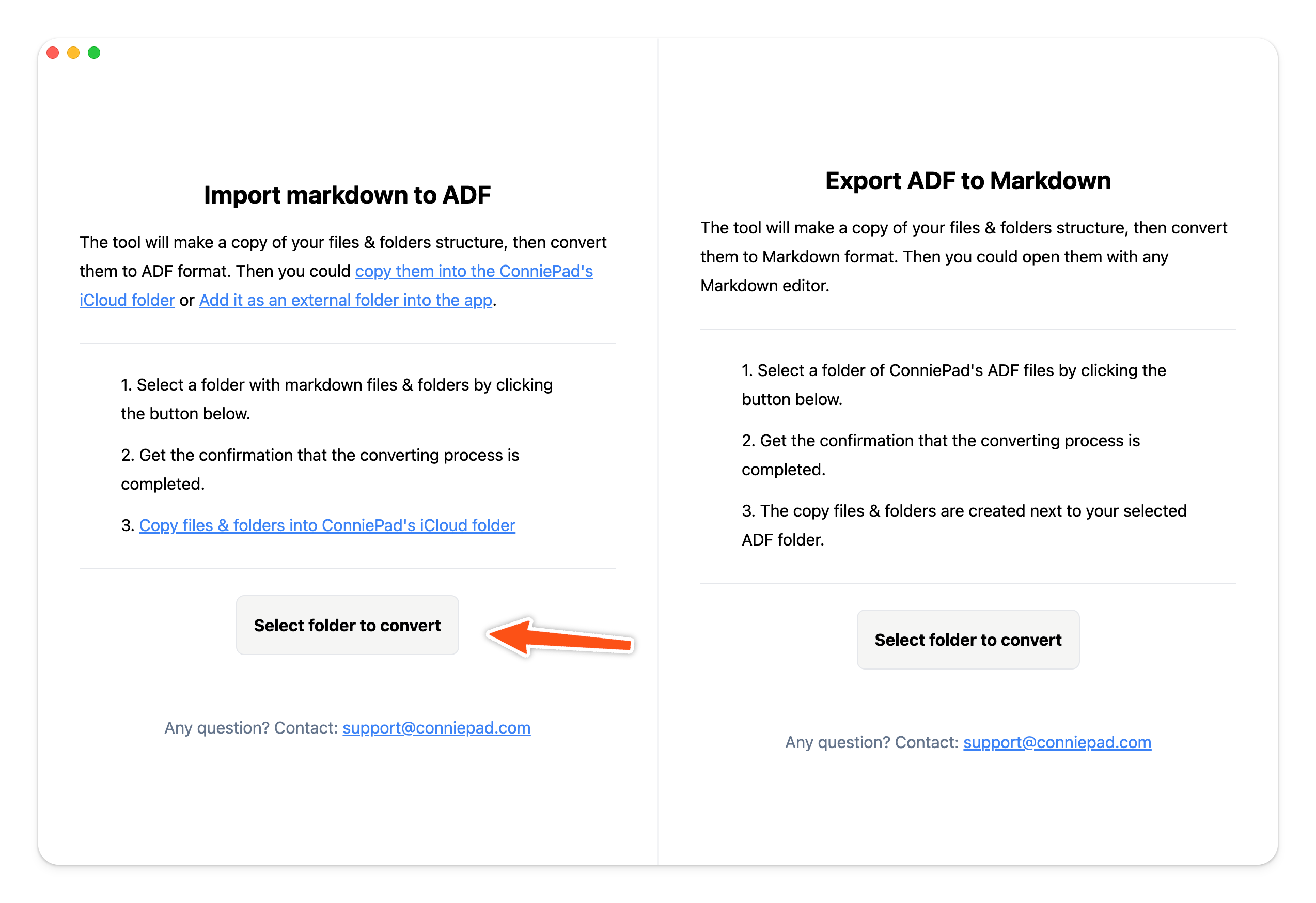
Download convert tool here → ConniePad-ConvertTool.
The tool will make a copy of your markdown files & folders, then convert the markdown files to ADF format, which is a JSON format that ConniePad can understand. After run the tool, you will get a folder named Copy of [your folder name] next to your selected folder.
2. Copy to app data folder
Right click on the root folder of ConniePad, click Show in Finder, you will see the app data folder. Then just copy the converted files & folders to the app data folder.
 Then just copy the converted files & folders to the app data folder.