Formatting Text
Supported style
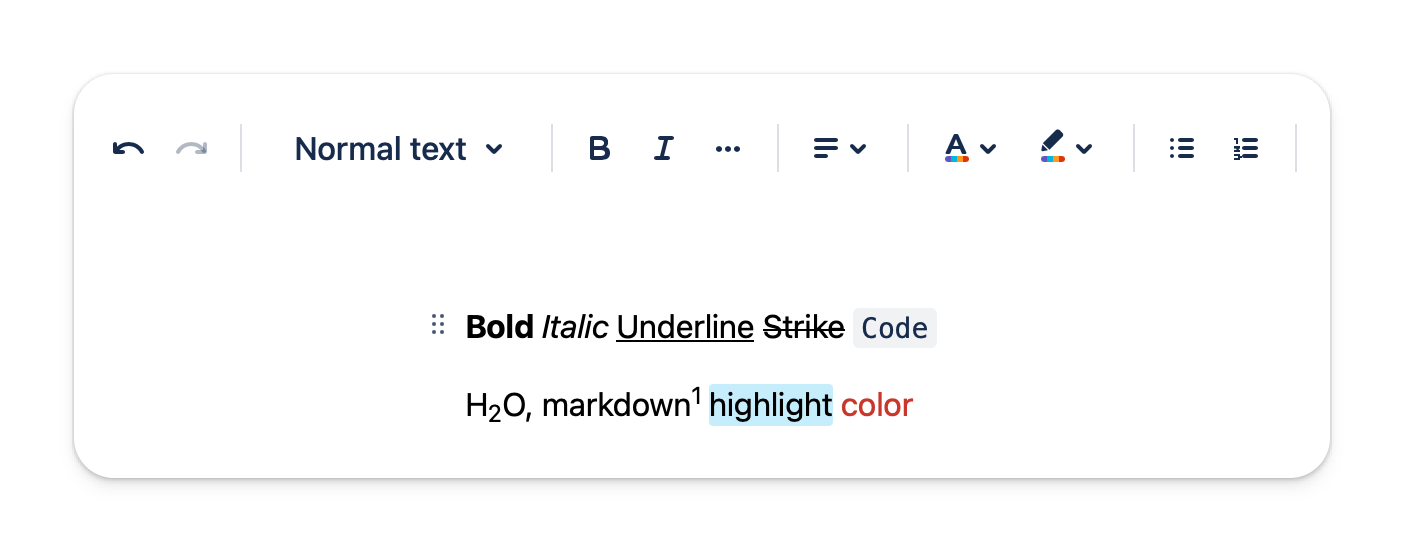
The editor supports various formatting options that allow you to express your ideas.
Advanced
- Highlight
- Color
- Alignment
- Subscript
- Superscript
Basic
- Bold
- Italic
- Underline
- Strikethrough
- Code
- Link
How to use
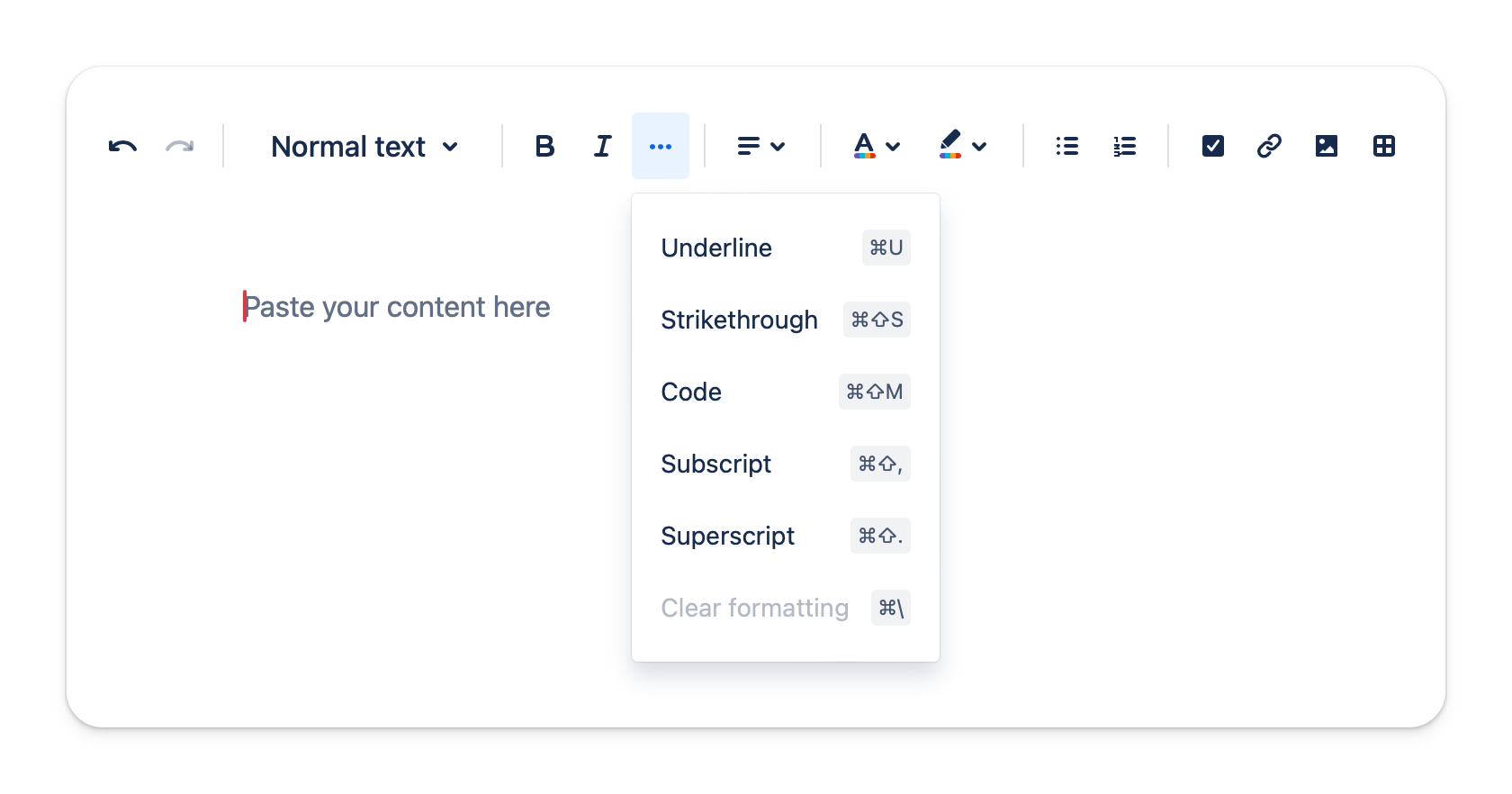
You could click on the toolbar buttons or use the keyboard shortcut provided. You even could use Markdown syntax.
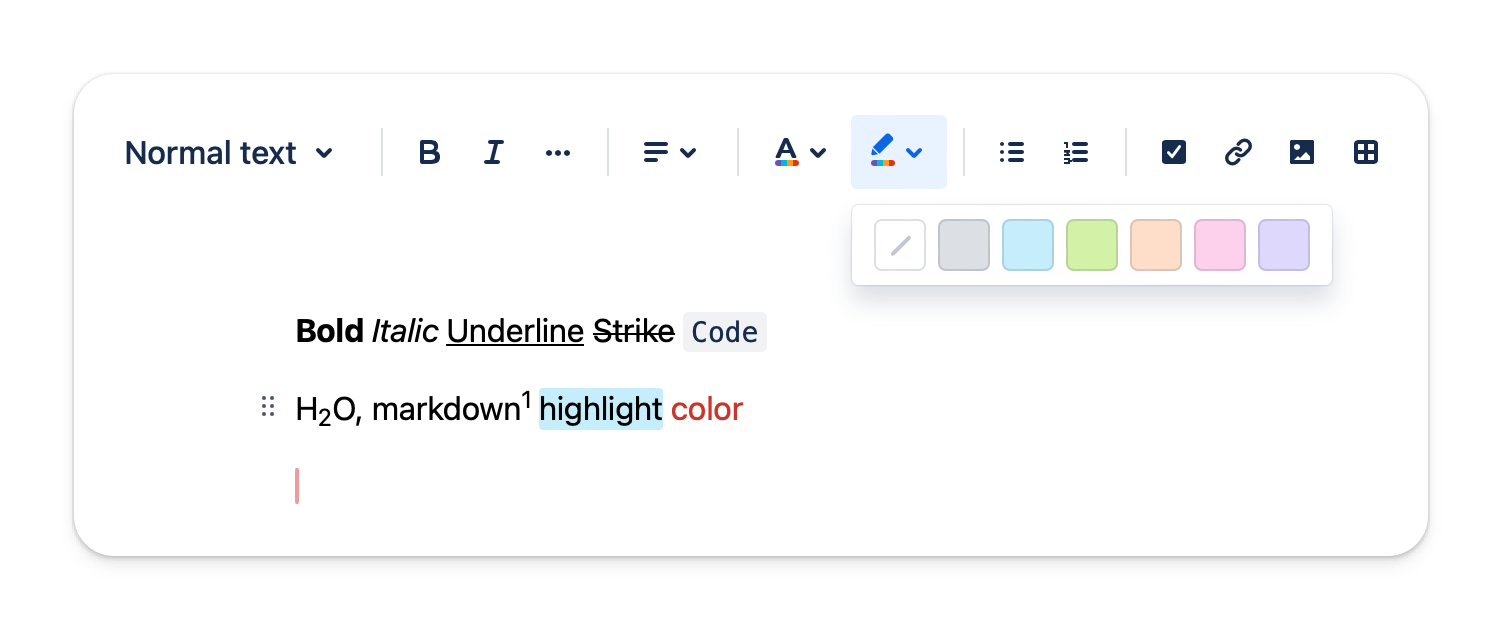
Text highlighting
There are 6 colors to choose from when highlighting the text.
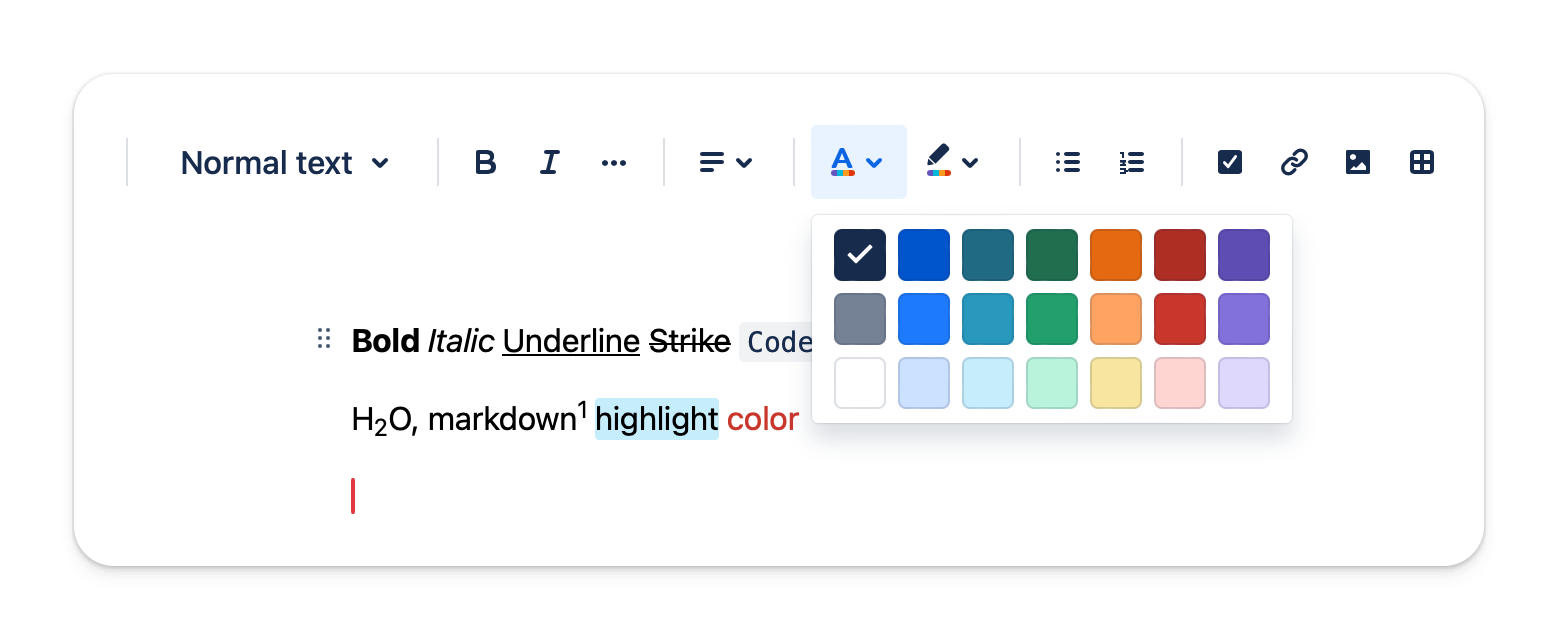
Text color
There are 21 colors to choose from when styling the text.
Text alignment
You could align the text left, right or center.
Link
Link is auto detected and auto-formatting. You could click into the link to have more options to change its display text.